
Note: This post is part of our series on how to get the most out of ChatGPT’s new memory features. If you’re just getting started, we recommend reading Boost Your Workflow with ChatGPT Memory first — it’s a quick walkthrough of what memory is and how it can make ChatGPT feel more like a collaborator than a chatbot. Once you’ve turned memory on, this guide will help you customize your assistant for even better results.
Meet Your New AI Intern (That Actually Remembers What You Tell It)
Just turned on memory in ChatGPT? ( Good call!) Now it’s time to show your new assistant how to actually help you. Think of this as Day One on the job — it’s your chance to say, “Here’s who I am, here’s what I’m working on, here’s how I like to communicate.”
The more clearly you can express that, the better ChatGPT can help you — and the faster you’ll get results that feel genuinely useful, not generic.
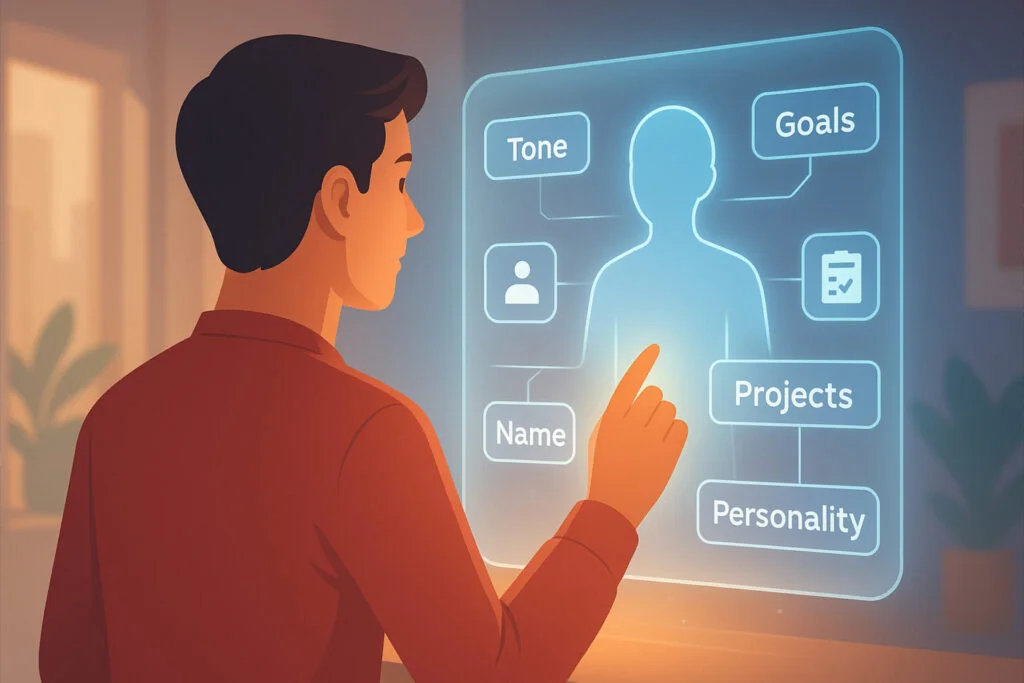
Enter your “Personal Profile”
One of the biggest frustrations with using AI tools — especially when you’re just starting out — is how same-y the results can feel. That’s not your fault. Large language models are trained on tons of generic content, so if you don’t give them personal context, they’ll default to derivative, deferential responses.
That’s why we created this easy Personal Profile generator — with help from ChatGPT itself. It’s designed to make your responses speak to you, not a generic user. Whether you’re writing captions, fielding emails, or creating full-on project plans, your unique identify matters. And the more consistently you show up in your work, the easier it is to build trust, grow your audience, and stay on brand.
Your Personal Profile tells ChatGPT:
- Who you are
- What kind of work you do
- What tasks you’d like help with
- How you’d like to communicate
It’s like a one-paragraph cheat sheet that teaches ChatGPT how to be your intern, your editor, your brainstorming buddy — whatever you need, without repeating yourself every time.
Try It Now — It’s Free, Easy, and Kinda Fun
While ChatGPT automatically learns from user activity of all kinds, you can jumpstart this process if you know what to input.
Here’s a quick and easy form that’ll walk you through creating your unique Personal Profile. You’ll answer a few multiple choice and short-answer questions, and we’ll email you back a ready-to-use paragraph you can paste right into ChatGPT to set your assistant up right.
Click here for the Personal Profile Generator
This start-up step might seem simple, but it can make a big difference right away — giving you responses that sound more like you and less like the internet.
Even if you’re using the free version of ChatGPT, your Personal Profile is still valuable. Just paste it in at the beginning of a new session to help your AI understand who you are and how you’d like to work. It’s like giving your assistant a quick reminder before you dive in. (And ChatGPT is currently expanding memory features to free users).
And when you’re ready to go further, you can explore advanced tools like Workspace Tags, which help ChatGPT understand your bigger goals, key contacts, reference materials, and the context behind your work.
What Happens Next?
Once you submit your form, we’ll send:
A personalized intro paragraph to use in ChatGPT
A PDF version you can save for later
Tips for how to use your new profile effectively
No spam. No pressure. Just good vibes and better AI.
Let us know how it goes! And if you’ve already tried this and want to keep customizing your ChatGPT setup, head over to Part 3 in this introductory series ChatGPT Conversation Starters